BLACKSITE Zero Hour
LAT 69.2047° N LON 18.6460° E
Classification TOP SECRET
Threat Level HIGH
Signal ACTIVE
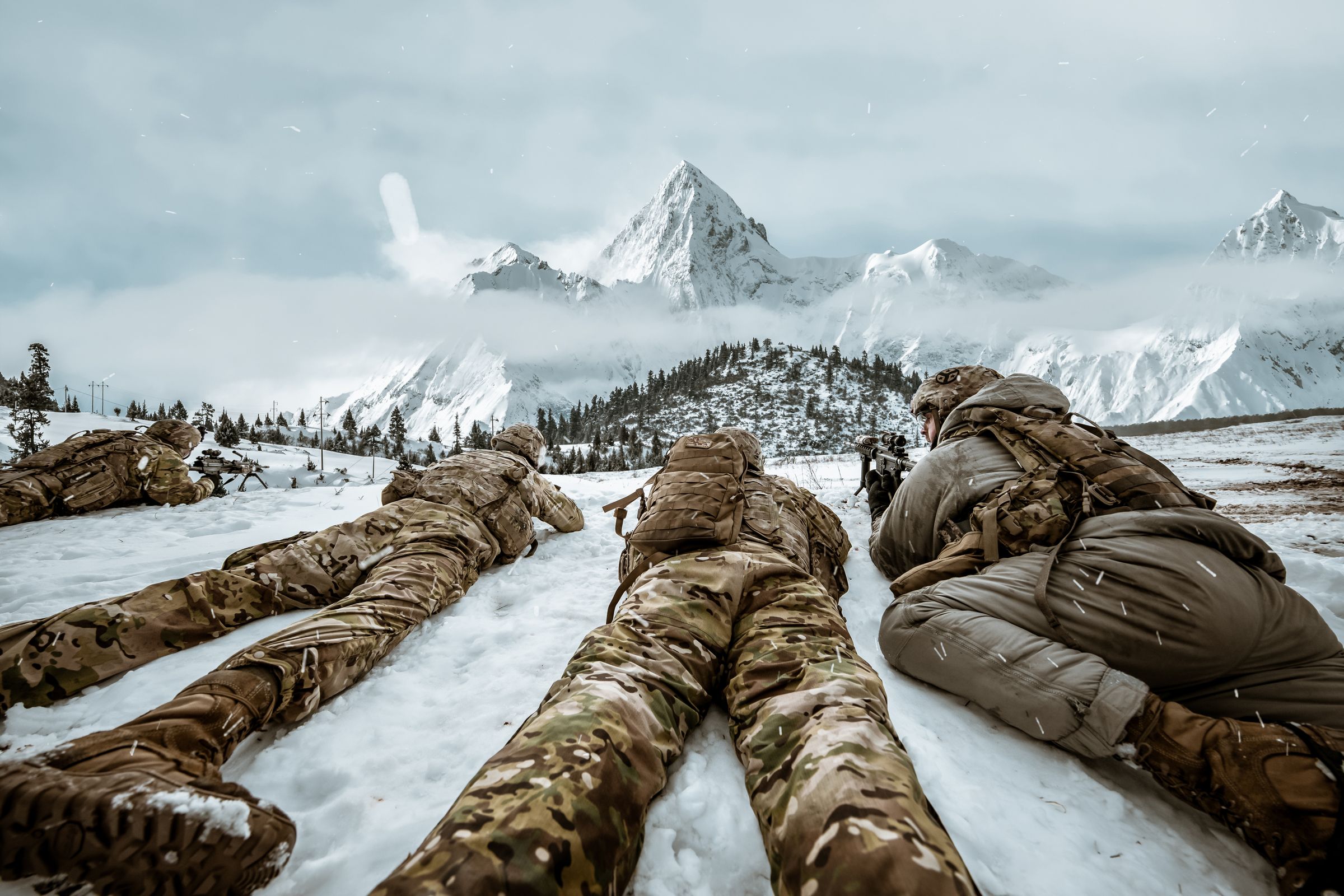
OPERATION 01 NIGHTFALL THEY NEVER SAW US COMING.
A covert extraction operation escalates into an assault on an enemy weapons facility.
TEAM ECHO-7 SECURE CHANNEL
Operation NIGHTFALL DOSSIER 01
Classification TOP SECRET
Location Northern Europe
Threat Level HIGH
Team TEAM ECHO-7
Objective Extract the intelligence officer before the facility is compromised.
Intelligence Satellite surveillance indicates an underground weapons laboratory beneath the primary facility. Communications have been silent for nineteen minutes.
LAT 50.0755° N LON 14.4378° E
Classification SECRET
Threat Level SEVERE
Signal JAMMED
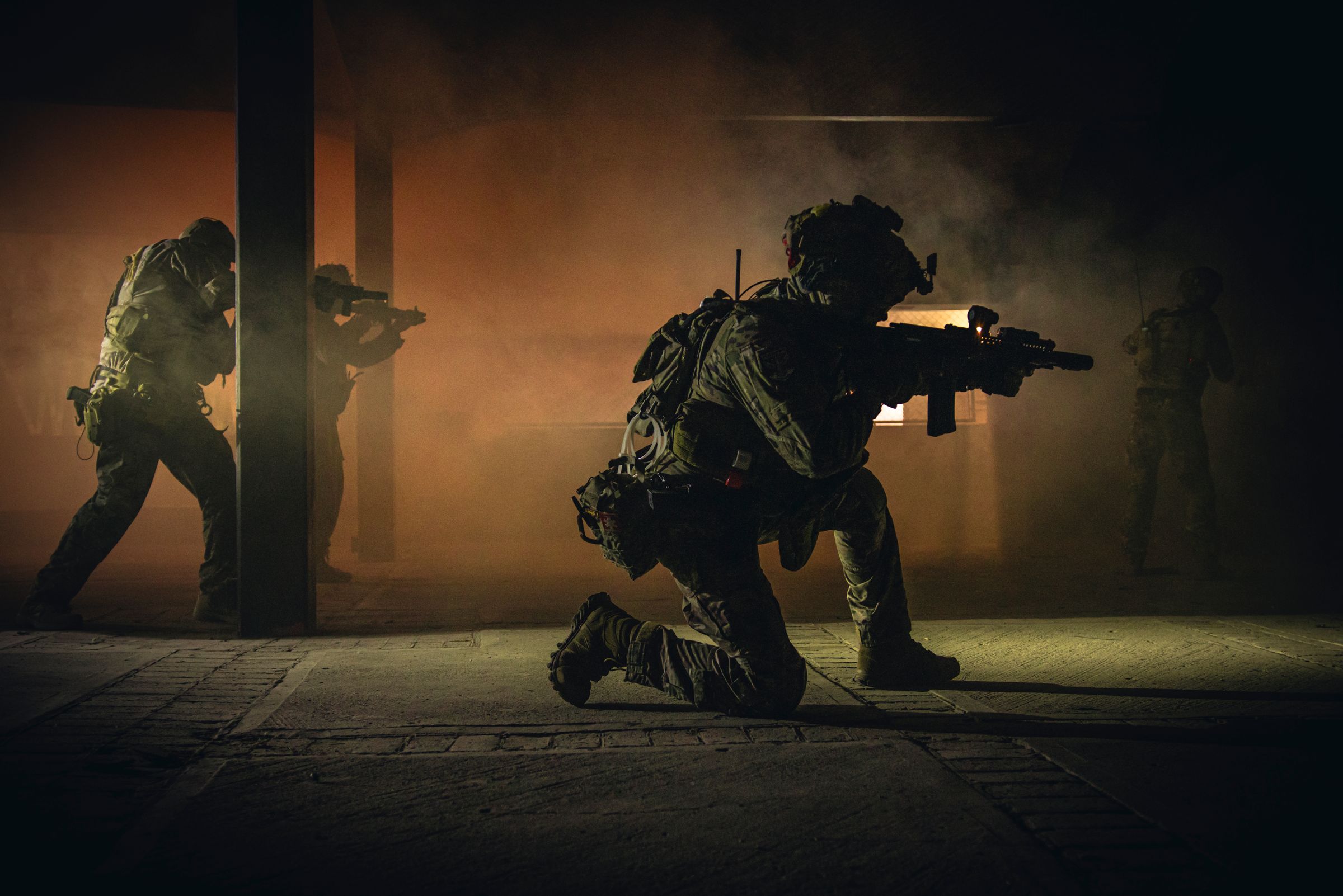
OPERATION 02 BLACKOUT WHEN THE LIGHTS GO OUT, WE MOVE.
A city-wide blackout creates a narrow window to locate a high-value target before enemy forces regain control.
TEAM VIPER-3 RELAY DOWN
Operation BLACKOUT DOSSIER 02
Classification SECRET
Location Central Europe
Threat Level SEVERE
Team TEAM VIPER-3
Objective Locate and detain the target before the grid is restored.
Intelligence The grid failure is deliberate. Local security has fallen back to the financial district and the target convoy has not cleared the cordon. Estimated window: forty minutes.
LAT 41.0082° N LON 28.9784° E
Classification TOP SECRET
Threat Level CRITICAL
Signal DEGRADED
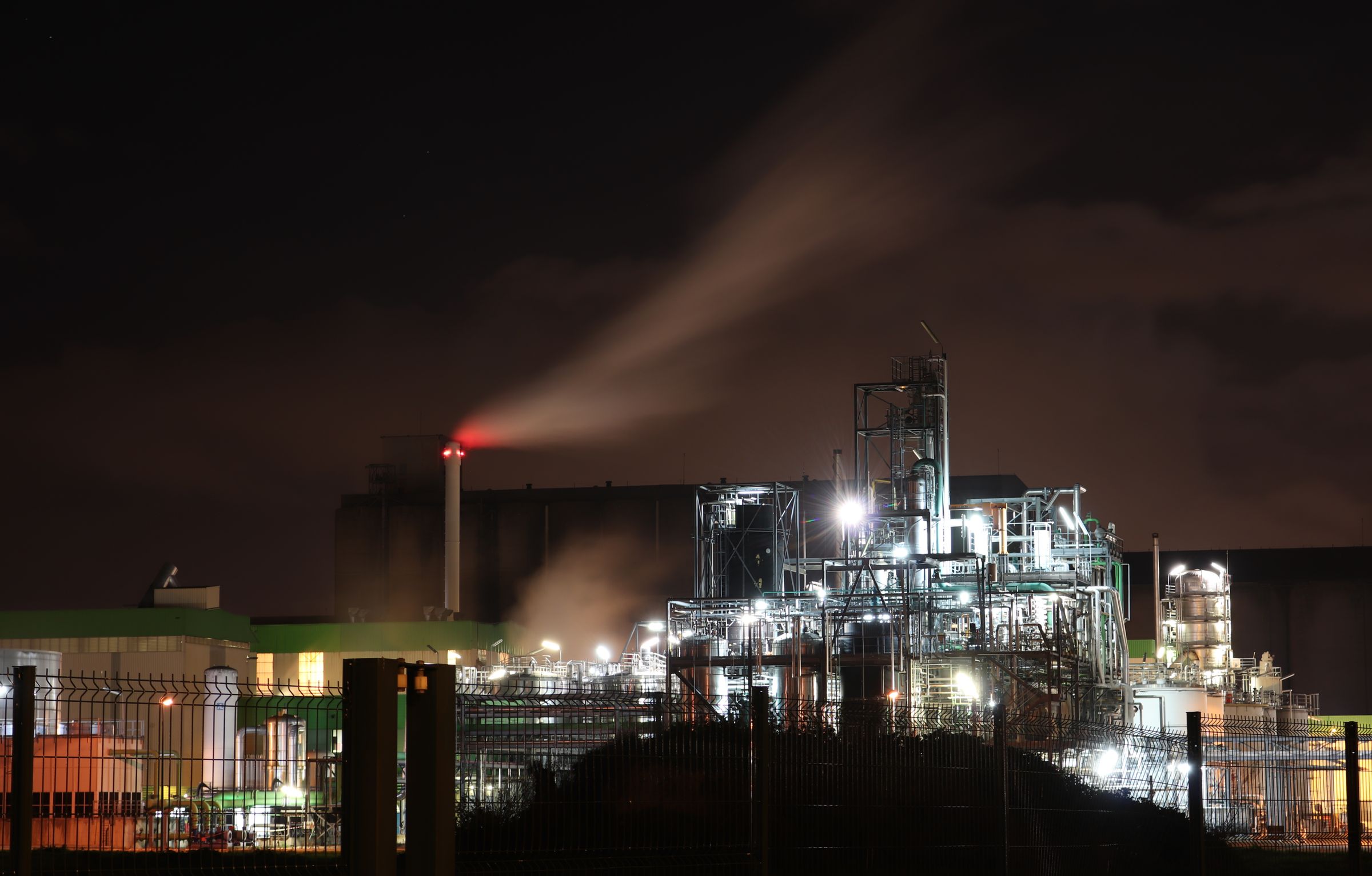
OPERATION 03 DEADLINE TWELVE MINUTES. ONE TARGET.
Intercept the convoy before it reaches the border.
TEAM HALO-9 UPLINK PARTIAL
Operation DEADLINE DOSSIER 03
Classification TOP SECRET
Location Southern Corridor
Threat Level CRITICAL
Team TEAM HALO-9
Objective Stop the convoy inside the refinery perimeter and secure the cargo intact.
Intelligence The convoy is running dark through the processing yard. Border control changes hands at 0400. After that the cargo is beyond reach.
LAT 69.2047° N LON 18.6460° E
Classification EYES ONLY
Threat Level EXTREME
Signal LOST
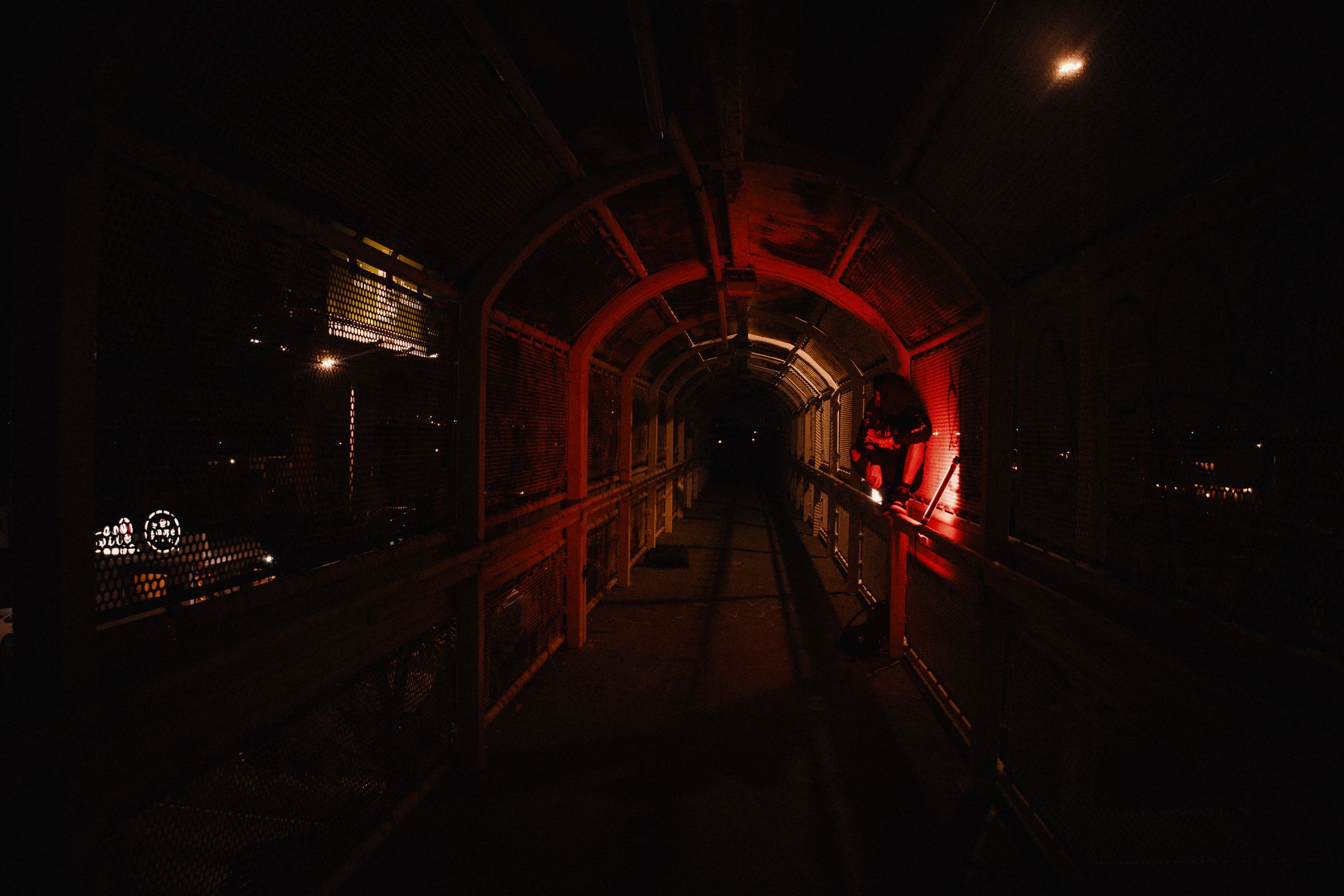
FINAL OPERATION REDLINE THERE IS NO EXTRACTION.
The final operation begins beneath the facility where the previous missions ended.
TEAM ECHO-7 NO CHANNEL
Operation REDLINE DOSSIER 04
Classification EYES ONLY
Location Sublevel Four
Threat Level EXTREME
Team TEAM ECHO-7
Objective Reach the reactor floor and end the program at its source.
Intelligence Blast doors sealed nineteen hours ago. Thermal shows movement on every level below four. No extraction route has been assigned to this operation.
01 02 03 04
/ NIGHTFALL / BLACKOUT / DEADLINE / REDLINE
Explore the Mega Menu Pro Welcome to smarter Drop in a production-ready mega menu with nested categories, rich previews, and keyboard support — designed for products with a lot to show.
TrueWallet access renewed
TrueWallet viewed profile information
Account information confirmed
Users
56K +4
Financial analytics
You gained
$ 24 345,00
Profitability index
Create . Awesome . Navigation Drop in a production-ready mega menu with nested categories, rich previews, and keyboard support — designed for products with a lot to show.
TrueWallet access renewed
TrueWallet viewed profile information
Account information confirmed
Users
56K +4
Financial analytics
You gained
$ 24 345,00
Profitability index